
TL;DR:
- An effective appointment booking workflow automates scheduling from initial client request to confirmation and reminders, reducing errors and no-shows. Essential components include data validation, real-time availability checks, instant confirmations, and automated reminders, tailored to each appointment type. Using tools like Google Calendar, HighLevel, and Zapier, clinics can integrate channels, enhance accessibility, and ensure client communication remains reliable and efficient.
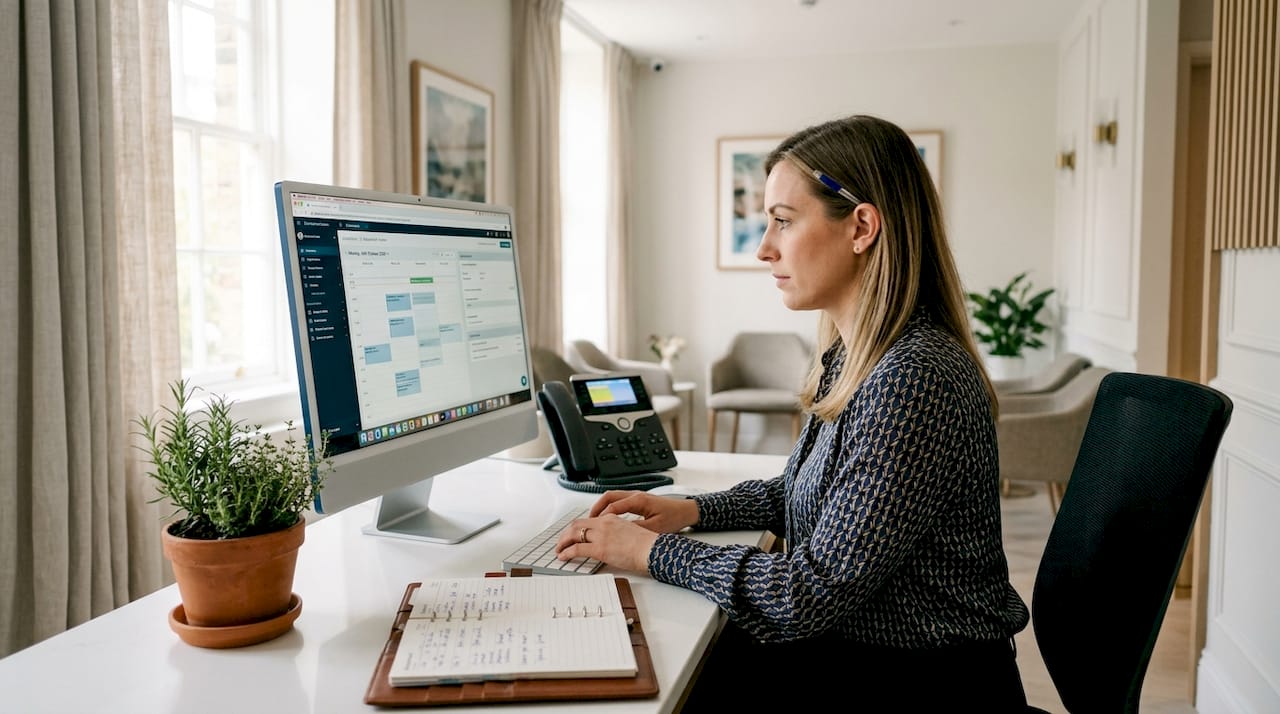
An appointment booking workflow is the automated scheduling process that moves a client from initial request through confirmation, reminders, and attendance. For aesthetic medicine clinics managing Botox, dermal fillers, and skin rejuvenation treatments, a well-built workflow removes manual bottlenecks, prevents double-bookings, and protects the client experience from the very first interaction. Tools such as Google Calendar, HighLevel, and Zapier make this level of automation accessible without requiring a dedicated IT team. The result is fewer no-shows, less administrative burden, and a booking experience that reflects the premium standard your clinic delivers.
What are the essential components of an appointment booking workflow?
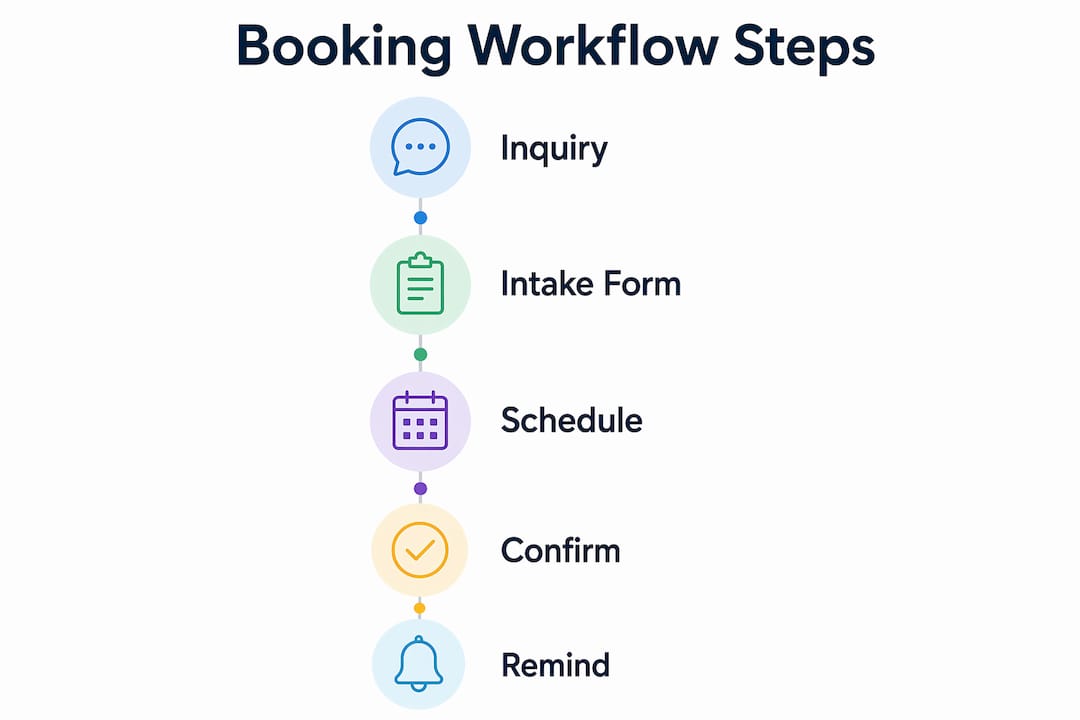
Every reliable booking workflow for aesthetic medicine shares six core components. Miss one, and the entire process becomes vulnerable to errors, missed confirmations, or frustrated clients.
- Input capture and validation. The workflow begins by collecting the client’s name, contact details, preferred treatment, and requested time. Validating this data at entry prevents downstream errors such as sending confirmations to incorrect addresses or scheduling the wrong service.
- Real-time availability check. Before any confirmation is issued, the system must query the provider’s live calendar. Automating availability checks against Google Calendar prevents double-bookings by detecting conflicts before the appointment event is created.
- Calendar event creation. Once availability is confirmed, the system creates the appointment event with all relevant client details attached. This record becomes the single source of truth for both the clinic and the client.
- Immediate confirmation. A confirmation message sent within seconds of booking sets a professional tone and reassures the client their request has been received. Email and SMS are both appropriate channels for aesthetic medicine clients.
- Automated reminder sequence. Reminders are scheduled at optimal intervals after the booking is confirmed, not before. Generating reminders only after confirmed booking avoids false confirmations and client confusion.
- Alternative slot suggestions. When a requested time is unavailable, the workflow should automatically propose the next available options rather than leaving the client without a response.
Pro Tip: Build your intake form to capture treatment intent and practitioner preference at the point of booking. This single step removes a common back-and-forth that delays confirmation and frustrates clients before they have even arrived.
Which tools can support your appointment scheduling process?
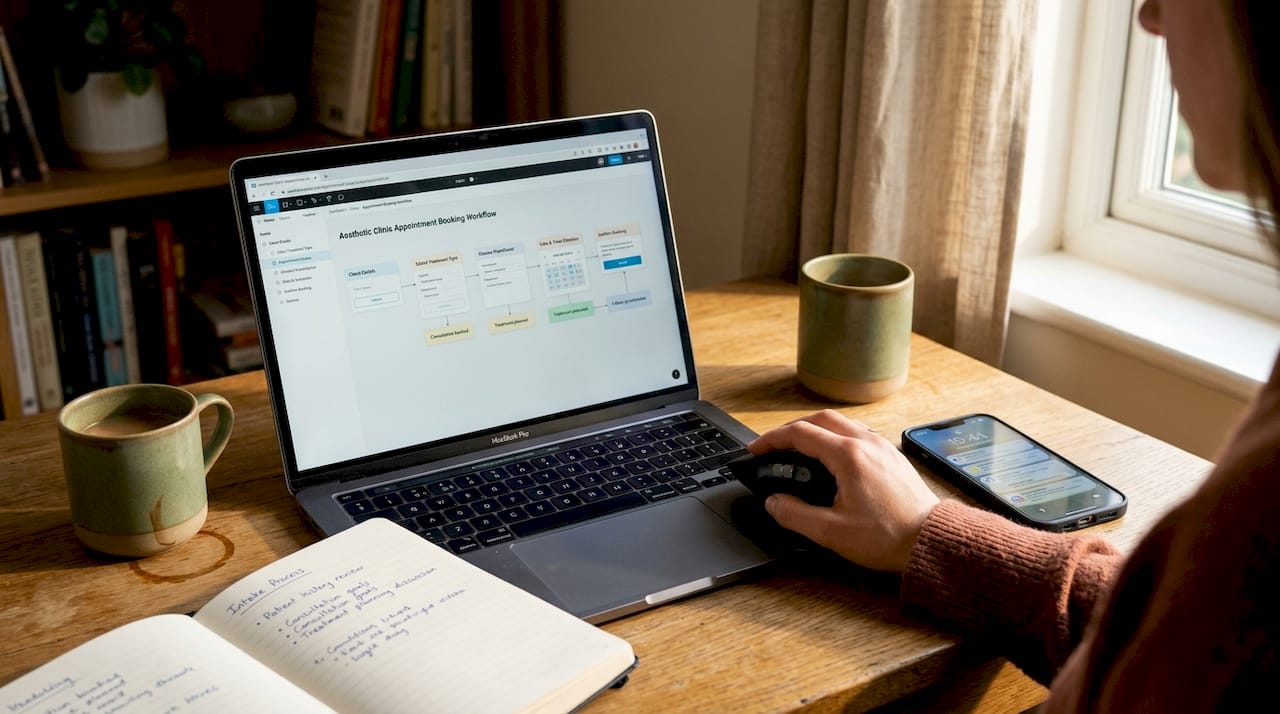
Selecting the right technology is the difference between a workflow that runs reliably and one that requires constant manual intervention. The table below compares the most relevant platforms for aesthetic clinic scheduling.
| Tool | Primary function | Best suited for |
|---|---|---|
| Google Calendar + Gmail | Calendar management and automated email confirmations | Clinics wanting a low-cost, familiar foundation |
| HighLevel | CRM with built-in booking triggers and SMS automation | Clinics managing multi-channel client communications |
| Zapier | Connecting third-party apps without custom code | Clinics using multiple tools that need integration |
| n8n | Open-source workflow automation with full customisation | Clinics with technical resource wanting full control |
| Acuity Scheduling | Dedicated appointment booking with intake forms | Clinics prioritising client-facing booking experience |
HighLevel’s Customer Booked Appointment trigger is particularly relevant for aesthetic clinics because it fires specifically when a client self-books via a booking link, not when staff manually enter an appointment. This distinction matters enormously for workflow reliability. If your receptionist adds a booking directly into the system, that trigger will not fire, and the client will receive no automated confirmation or reminder unless you account for this in your process design.
Zapier sits between your booking form, your calendar, and your communication tools, passing data between systems that would not otherwise speak to each other. For a clinic using a bespoke intake form alongside Google Calendar and a separate SMS provider, Zapier is often the most practical connection layer.
Pro Tip: Before committing to any platform, map your existing booking channels. If clients book via phone, email, and an online form, your workflow must account for all three entry points or you will create gaps in your automated confirmation and reminder coverage.
How to set up an automated booking workflow step by step
A structured implementation prevents the most common errors. Follow this sequence when building your clinic’s automated scheduling process.
- Configure your booking form or webhook. Set up the intake form to capture all required fields: full name, contact number, email address, treatment type, preferred date and time, and any relevant medical history flags. Connect the form submission to your automation platform via webhook or native integration.
- Validate and format incoming data. Build a validation step that checks for missing fields, incorrect email formats, and phone number structures before the workflow proceeds. Reject incomplete submissions with a clear prompt to the client to complete their details.
- Query the provider calendar for conflicts. The workflow must check the specific practitioner’s calendar, not a general clinic calendar, before confirming. Incorrect calendar syncing leads to false confirmations and rescheduling loops that damage client trust.
- Create the appointment event. If the slot is available, create the calendar event immediately with the client’s name, treatment, contact details, and any intake notes attached. This step should be instantaneous.
- Send an immediate confirmation. Dispatch a confirmation email or SMS within seconds of the event being created. Include the date, time, treatment, practitioner name, clinic address, and a clear cancellation or rescheduling link.
- Schedule the reminder sequence. Set reminders at intervals appropriate to the treatment type. For new aesthetic consultations, a reminder 96 to 120 hours before the appointment gives clients adequate preparation time. For routine follow-up treatments, 48 to 72 hours is sufficient. Shifting reminder timing based on appointment type can improve confirmation rates from approximately 35% to over 70%. That improvement directly translates to fewer empty treatment slots and more predictable revenue.
- Handle unavailable slots gracefully. If the requested time is taken, the workflow should immediately return two or three alternative slots to the client with a simple selection mechanism. Never leave a client at a dead end.
Pro Tip: Test your entire workflow with real email addresses and phone numbers before going live. Send test bookings at different times of day, including outside business hours, to confirm that confirmations and reminders fire correctly regardless of when the client books.
What are the common mistakes in appointment workflows and how do you avoid them?
Even well-designed workflows fail when certain assumptions are left unchecked. These are the most frequent issues in aesthetic clinic booking automation.
- Trigger mismatch between self-booked and manual appointments. HighLevel’s booking trigger only activates for client self-bookings. Staff who add appointments manually must either use the same booking link or the clinic must build a separate trigger pathway for manual entries. Failing to address this means a significant portion of clients receive no automated communication at all.
- Querying the wrong calendar. Checking a shared clinic calendar rather than the individual practitioner’s calendar produces false availability readings. Always connect the workflow to the specific provider calendar for the treatment being booked.
- Over-reminding clients. Sending four or five reminders for a single appointment creates annoyance rather than reassurance. Segment your reminder frequency by appointment type and client history. A first-time Botox consultation warrants more touchpoints than a returning client’s quarterly top-up.
- Skipping accessibility provisions. Digital scheduling portals in healthcare must meet ADA and Section 504 regulations, covering booking forms, payment links, and mobile apps. Building accessibility in from the start is far less costly than retrofitting it later.
- Deploying without end-to-end testing. A workflow that works in isolation may break when all components are connected. Test every path, including the unavailable-slot branch, before the system goes live.
“Design automation around actual booking channels. Self-booked triggers differ from manual bookings and must be aligned with the receptionist process to maintain consistent client communication.”
How do reminders and accessibility features improve attendance rates?
Reminder strategy is where many aesthetic clinics leave measurable value on the table. A meta-analysis of appointment reminders found that SMS reminders produce a relative risk improvement of 1.14 for attendance, while phone call reminders show a relative risk of 1.11 with more consistent statistical significance. Using both channels in combination produces better results than either alone. For a clinic running 30 or 40 appointments per week, even a modest improvement in attendance rates represents a meaningful gain in treatment revenue.
Two-way confirmation messaging takes this further. When a reminder asks the client to confirm, cancel, or reschedule with a single reply, the system can update appointment status in real time and reduce staff workload by removing the need for manual follow-up calls. This is particularly valuable for aesthetic clinics where treatment preparation, such as avoiding certain medications before filler appointments, requires the client to actively engage with pre-appointment instructions.
Accessibility is not optional. Telehealth and digital intake systems should allow clients to request communication aids such as interpreter support, and should offer extended appointment slots for clients who need additional preparation time. Building these options into the booking form metadata from the outset, rather than managing them as exceptions, reduces last-minute support requests and keeps the workflow running without manual intervention.
Pro Tip: Add a single optional field to your booking form asking whether the client requires any communication support or accessibility accommodation. This one field captures the information you need to prepare appropriately and signals to the client that your clinic takes their needs seriously.
Key takeaways
A well-configured appointment booking workflow reduces no-shows, eliminates double-bookings, and delivers a consistent client experience that reflects the quality of your aesthetic treatments.
| Point | Details |
|---|---|
| Automate from the first touchpoint | Capture and validate client data at intake to prevent errors throughout the entire booking process. |
| Check the correct calendar | Always query the individual practitioner’s calendar to avoid false confirmations and rescheduling loops. |
| Segment reminders by appointment type | Tailor reminder timing to treatment type; new consultations need more lead time than routine follow-ups. |
| Use two-way confirmation messaging | Automated two-way SMS reduces staff workload and updates appointment status without manual intervention. |
| Build accessibility in from the start | Include communication support options in your booking form to meet ADA compliance and reduce last-minute issues. |
Why automation alone will not save your booking process
I have seen clinics invest in sophisticated automation platforms and still end up with a receptionist manually chasing confirmations every morning. The reason is almost always the same: the workflow was built around the technology rather than around how clients actually book.
The most important lesson I have taken from working with aesthetic medicine practices is that workflow optimisation must begin with an honest audit of your booking channels. If 40% of your clients still book by phone, an automated system that only handles online submissions will leave nearly half your client base outside the workflow entirely. That is not an automation problem. It is a process design problem.
The efficiency gains from intelligent scheduling are real. AI-assisted scheduling systems have demonstrated the ability to reduce booking cycle time from 155 minutes to under 6 minutes and cut human intervention by 70%. But those gains only materialise when the workflow covers every booking channel and every appointment type, including manual staff entries.
My recommendation is to treat your first workflow as a pilot. Run it for four weeks, track where confirmations fail to send, where reminders go unanswered, and where clients still call to confirm manually. That data tells you exactly where to iterate. Legal compliance, particularly around accessibility and data handling, should be treated as a baseline requirement rather than an afterthought. Clients who encounter an inaccessible booking process do not complain. They simply book elsewhere.
— Vishul
Book your aesthetic treatment at Theaestheticsroom
Theaestheticsroom operates from London’s Knightsbridge, Harley Street, and Mayfair locations, offering a booking experience designed to match the quality of every treatment. Whether you are considering Botox treatments or exploring dermal filler options, the clinic’s online appointment management system is built to make scheduling straightforward and stress-free.
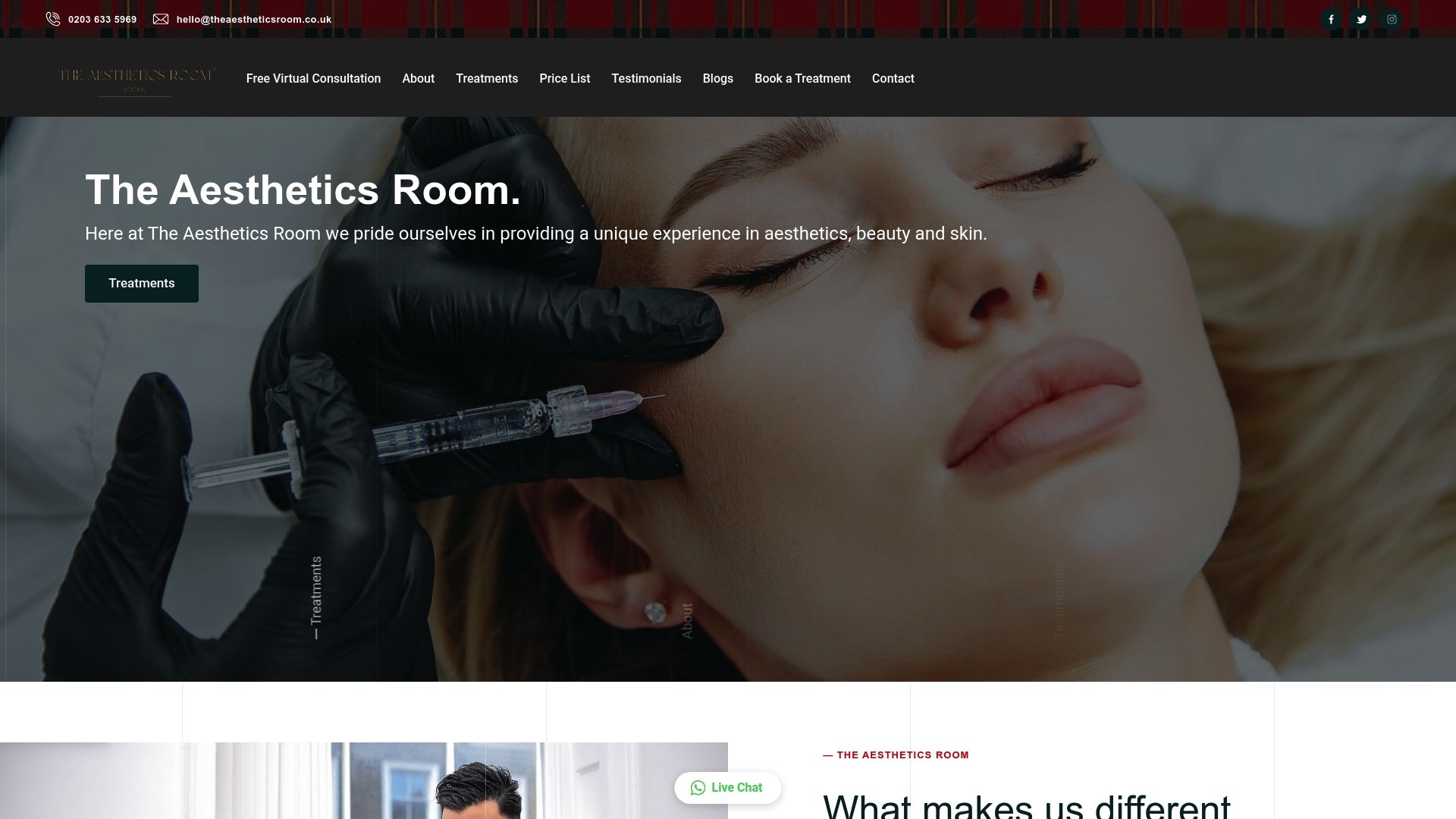
Theaestheticsroom is CQC-accredited and a member of the ACE Group, meaning every aspect of your care, including how your appointment is managed, meets rigorous professional standards. Book a virtual or in-person consultation directly through the website and experience a scheduling process that respects both your time and your confidence.
FAQ
What is an appointment booking workflow?
An appointment booking workflow is the automated process that manages scheduling from a client’s initial request through confirmation, reminders, and attendance tracking. It replaces manual coordination with a structured sequence of triggers, data checks, and communications.
How does automation prevent double-bookings?
Automated systems query the provider’s live calendar in real time before confirming any appointment. This conflict check, as used in Google Calendar integrations, blocks the booking if the slot is already taken and proposes alternatives instead.
How many reminders should I send before an aesthetic appointment?
The optimal number depends on appointment type. New client consultations benefit from reminders at 96 to 120 hours and again 24 hours before. Returning clients on routine treatments typically need only a 48-hour reminder, with a one-hour prompt on the day.
Does HighLevel’s booking trigger work for manually added appointments?
No. HighLevel’s Customer Booked Appointment trigger fires only when a client self-books using a booking link. Appointments added manually by staff do not activate the trigger unless a separate workflow is configured for manual entries.
Are aesthetic clinic booking systems required to be accessible?
Yes. Digital scheduling portals in healthcare settings must comply with ADA and Section 504 regulations, covering online forms, payment links, and mobile booking apps. Clinics should include options for communication support and extended appointment slots within the booking system itself.